To add an AirPods battery widget on iPhone, connect your AirPods, open AllMyBatteries to collect the available readings, and add an AllMyBatteries widget from the Home Screen widget gallery. Edit the widget to select your AirPods; it shows the last collected reading rather than a continuous live connection.
Set up the AirPods widget
- Pair your AirPods with your iPhone. Allow Bluetooth access for AllMyBatteries.
- Connect the AirPods, open the charging case, and open AllMyBatteries to capture the available battery readings.
- Add an AllMyBatteries widget from the Home Screen widget gallery. Edit the widget to choose your AirPods.
The widget shows data collected by AllMyBatteries. It does not maintain a live Bluetooth connection to your AirPods.
Refresh when your AirPods connect
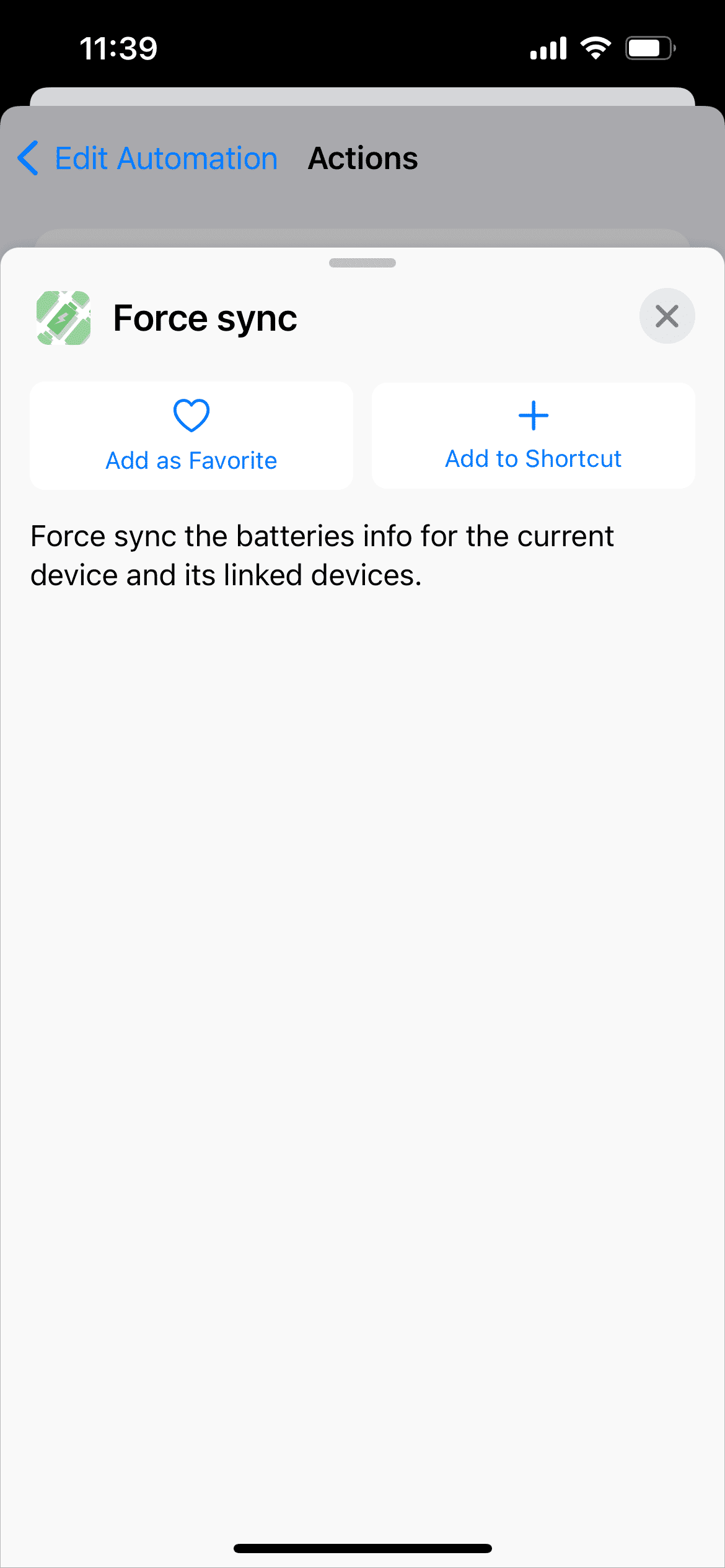
In Shortcuts, create a Bluetooth automation for your AirPods and add AllMyBatteries’ Force sync action. Run or confirm the automation as required by your iOS version. Shortcuts labels and confirmation options vary between versions.
Why the charging case may show an older reading
For many AirPods models, the case battery is available only while the case is open. Availability varies by model. Widgets also follow the system’s refresh budget, so a reading can lag behind.